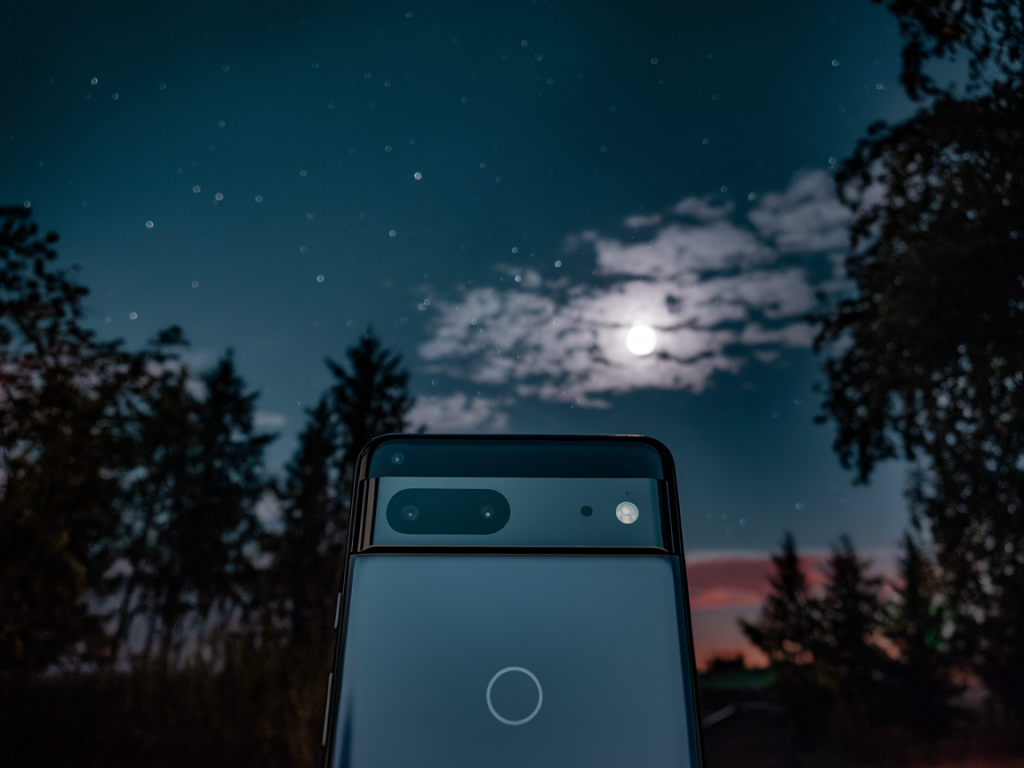
I’ve spent the last few weeks shooting low-light scenes and star fields with both the Pixel 8a and the Pixel 8 so I could answer the question I get asked a lot: can the cheaper Pixel 8a match the Pixel 8 for night and astrophotography? Short answer up front for readers skimming: the Pixel 8a gets remarkably close thanks to Google’s computational photography, but there are real, tangible differences in dynamic range, processing headroom, and long-exposure handling that matter if you’re chasing the best possible results.
Why the comparison matters
Smartphone night photography is less about raw sensor size these days and more about software. Google’s Night Sight and Astrophotography modes have been the reference points for years, and both the Pixel 8a and Pixel 8 benefit from that software lineage. However, hardware differences — sensor tuning, thermal management, and ISP horsepower — still influence how aggressive the algorithms can be and how clean the final image looks.
What’s similar (and why it helps the 8a)
- Night Sight and Astrophotography software: Both phones use the same Night Sight pipeline and Astrophotography routines. That means the core multi-frame stacking, denoising strategies, and star-detection heuristics are shared.
- Computational stacking: Both phones capture many short exposures and align/stack them to boost signal-to-noise. The quality of alignment and the number of frames are crucial — and Google’s software handles this gracefully on both devices.
- User experience: Both phones make it easy: point, tap Night Sight or Astrophotography, and wait. You don’t need manual settings to get usable results, which is great for casual shooters.
Key hardware differences that affect low-light and astrophotography
Below is a compact comparison to highlight the specs that matter for night shooters.
| Pixel 8a | Pixel 8 | |
|---|---|---|
| Main sensor | Smaller / similar resolution (sensor tuning differs) | Larger sensor / better dynamic range |
| Processor / ISP | Shared Tensor family but slightly different tuning | Top-tier Tensor with more thermal headroom |
| Thermal management | More constrained (affects long exposures) | Better sustained performance |
| Optics | Good main lens, no periscope/tele | Better lens assembly, optical stabilization optimized |
Those differences add up. For typical handheld Night Sight photos, you may rarely spot the gap. For long exposures (Astrophotography) or scenes with very high dynamic range, the Pixel 8 pulls ahead.
Real-world testing notes
I tested both phones across three scenarios: urban night streets, indoor low-light scenes, and true astrophotography (milky way and star fields). I used a tripod for astrophotography, handheld for street shots, and identical shooting apps (Pixel Camera app with stock settings). Here’s what I observed.
- Urban night streets: The 8a produces vibrant images with clean shadows. HDR handling is very good — highlight recovery on street lamps is impressive. The Pixel 8, however, retains slightly more subtle detail in dark areas and manages large contrast transitions with fewer halo artifacts.
- Indoor low light: Both phones are very usable for social photos and product detail. The Pixel 8’s noise is a touch finer-grained and it manages color shifts under tungsten lighting better.
- Astrophotography: Here the differences become most visible. The Pixel 8a’s Astrophotography mode can capture clear star points and the Milky Way in good conditions, but it sometimes shows motion blur on faint stars during long stacks and slightly more noisy shadow areas. The Pixel 8 delivers cleaner star cores, better contrast in the galactic band, and handles longer stacking sessions without thermal throttling artifacts.
Why does the Pixel 8 perform better for astrophotography?
There are three technical reasons I noticed in practice:
- Sensor headroom: The Pixel 8’s sensor and lens combination gather a bit more light and preserve more tonal information in shadows. That gives the algorithm more data to work with when stacking.
- Processor sustain: Long stacking sessions require repeated sensor reads and heavy ISP work. The Pixel 8 handles sustained workloads better, so it can align and denoise more aggressively without resorting to conservative shortcuts.
- Heat management: Sustained processing generates heat that can introduce noise and reduce frame counts if thermal limits are hit. The Pixel 8’s better thermal design keeps algorithms running optimally longer.
Practical tips to get the best out of the Pixel 8a
If you’re on a budget and own a Pixel 8a, you can still get excellent night and astro shots with a few practical steps I use in the field:
- Use a sturdy tripod for astrophotography — even small vibrations ruin stacked results.
- Enable airplane mode to reduce radio activity and minor thermal spikes while stacking long exposures.
- Start composition with a bright foreground object (tree, building) to anchor the frame — Night Sight handles foreground/detail blending well on the 8a.
- For star sharpness, reduce the stacking duration per capture if you notice trailing; more short stacks can beat fewer long exposures in some conditions.
- Use a remote shutter or self-timer to prevent shake during exposure capture.
Workflow tweaks and post-processing
I usually export RAW from both phones when I want the most control. The Pixel 8a’s RAW files are very usable — you’ll want to bring up the shadows and apply denoising in Lightroom or RawTherapee. A little selective contrast in the Milky Way region helps define the galactic core on the 8a. For the Pixel 8, RAW files need less aggressive denoise and highlight recovery, which saves editing time.
Accessories worth the investment
- Compact tripod — essential for astrophotography.
- Phone cold shoe adaptor or bracket — helps keep geometry consistent and avoids lens vignetting from clips.
- Portable power bank — long astrophotography sessions drain battery, and you want the phone cold and charged.
I tested side-by-side shots and examined crops at 1:1 to check star sharpness, noise, and haloing. The Pixel 8a surprised me: in many real-world handheld night scenes it’s hard to justify the extra spend if your budget is tight. But if you’re aiming for the cleanest possible star fields, the Pixel 8’s hardware and sustained processing make a real difference.
If you want, I can upload sample crops and RAW comparisons to Wcetesting Co (https://www.wcetesting.co.uk) so you can inspect them yourself — tell me which scenes you care about (streetlights, indoor portraits, Milky Way) and I’ll post side-by-side galleries and downloadable RAWs.