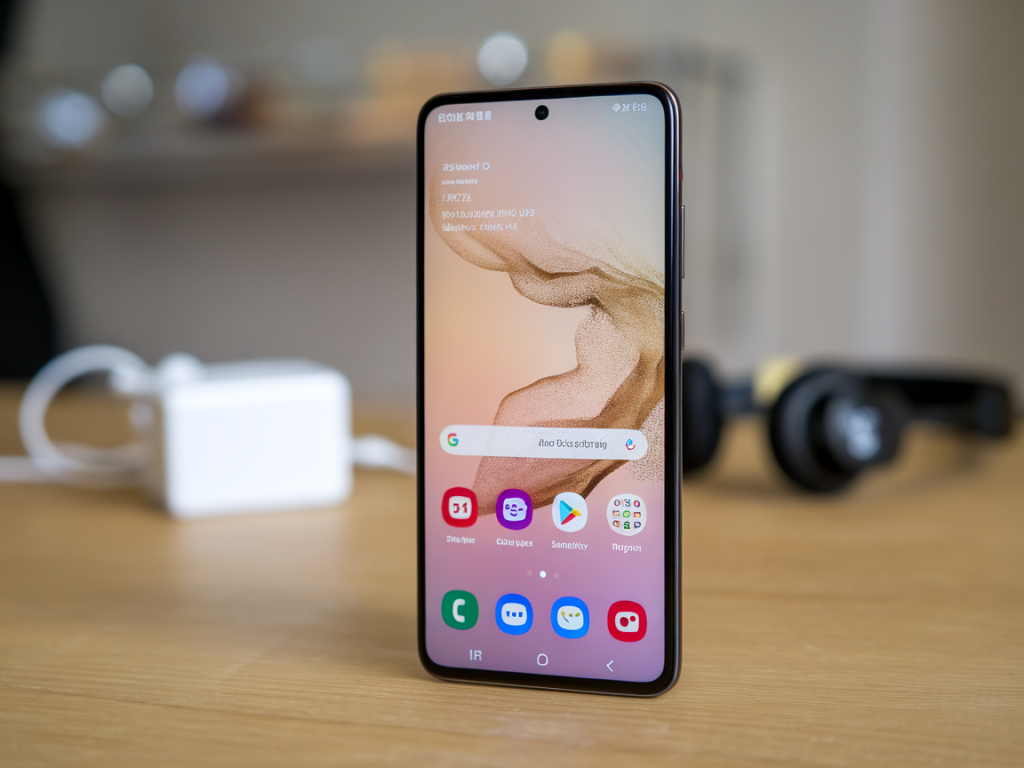
Buying a refurbished Samsung Galaxy S24 can be a smart way to get flagship performance without the flagship price—I've done it more than once when testing phones for Wcetesting Co. But “refurbished” covers a wide range of realities: dealer-refurbished with new parts and warranty, manufacturer-certified returns, or a phone that was lightly repaired and resold by a marketplace seller. To avoid ending up with hidden hardware problems, here's the checklist I use every time I evaluate a refurbished Galaxy S24 before deciding to keep it or walk away.
Start with provenance: where and how the phone was refurbished
The first thing I ask is: who refurbished this device? That matters more than you might think.
- Manufacturer or authorized refurbisher (Samsung Certified Pre-Owned, large carriers): typically the safest option. They often replace batteries, screens, and supply a warranty.
- Specialist refurbisher (Back Market, Swappa refurb shops): quality varies—check store ratings, return policy, and whether parts used are OEM or third-party.
- Individual sellers or marketplace listings (eBay, Facebook Marketplace): higher risk. You need to be thorough with testing and insist on a return window.
Always confirm the warranty length and what it covers. A minimum 30-day return policy is a good baseline, but 90 days+ is better for peace of mind.
Visual inspection: look for signs of repair or impact
Before you power the phone on, give it a careful visual check. I do this under good light and with a loupe if I have one.
- Check the frame for bends or gaps—bent frames can indicate internal damage and poor repair.
- Inspect the seams between screen and chassis for uneven glue or lift. Replaced screens often show subtle gaps.
- Look for mismatched screws or scratched screw heads around SIM tray—these suggest prior opening.
- Watch for irregular paint or replaced back glass. OEM glass replacement is fine; poor third-party work can trap dust or weaken water resistance.
Power-on checks: screen, touch, and display artifacts
Once powered, I start with the screen—it's the most obvious area where problems show up.
- Run a full color test (solid red, green, blue, white, black). Look for dead pixels, discoloration, or backlight bleeding.
- Test touch responsiveness across the entire display. Ensure no “dead zones” or stickiness, especially around the edges.
- Check brightness range, auto-brightness behavior, and HDR content if possible. A replacement screen might have different color calibration.
Battery health: the single most important metric
Battery condition is a make-or-break item for me. Even a flawless phone is frustrating with poor battery life.
- Ask for battery health percentage if seller can provide it. For Samsung, a healthy refurbished unit should be at least 85–90% capacity.
- Use diagnostics apps (AccuBattery on Android) to get discharge rates and charge cycles when possible.
- Run a quick real-world drain test: 30 minutes of screen-on browsing or video at 50% brightness to check abnormal battery drop or overheating.
Cameras, microphones, and speakers
I test every camera mode and audio path. The S24 series is prized for its cameras—don’t accept degraded imaging as a trade-off.
- Take photos with main, ultra-wide, and tele lenses. Verify autofocus, OIS, and consistency between lenses.
- Record video and listen for dropped frames, audio distortion, or desync between audio and video.
- Test the selfie camera and portrait modes.
- Make a call and test both the earpiece and loudspeaker. Run a voice memo recording to check microphones.
Connectivity and sensors
Random connectivity issues are common in repaired devices—test them all.
- Insert your SIM (or use the seller’s test SIM) and check cellular reception, VoLTE, and data speeds.
- Test Wi‑Fi on 2.4GHz and 5GHz networks, and run a simple speed test.
- Pair Bluetooth headphones and transfer a large file via Bluetooth or Nearby Share.
- Verify GPS lock in Maps—satellite acquisition should be reasonable; long delays can indicate an antenna issue.
- Open Settings and check that sensors (proximity, accelerometer, gyroscope, compass) respond correctly—try a level app or rotate the screen.
Ports, buttons, and physical functionality
Check every mechanical part. Buttons and ports are wear points and often replaced with lower-quality parts.
- Plug and unplug the USB‑C cable. Check for loose connection or intermittent charging.
- Test the power button, volume rocker, and any hardware function buttons for tactile consistency and responsiveness.
- Test the SIM tray for smooth insertion and secure seating.
- Confirm wireless charging and reverse wireless charging if the model supports it.
Storage, memory, and thermal behavior
Faulty storage can cause app crashes and data loss; overheating hides other problems.
- Run a storage benchmark app (or use built-in tools) to verify read/write performance is sensible for UFS type expected in S24 models.
- Open multiple apps and multitask to test RAM handling. Unexpected crashes or app reloads can indicate memory issues.
- Stress the phone with a 10–15 minute CPU/GPU benchmark (3DMark, GFXBench). Watch for throttling, sudden reboots, or surface heat that’s excessively hot.
Software, locks, and lifecycle concerns
Software state reveals a lot about the device’s history.
- Confirm the phone is factory reset and not tied to another user's Samsung account. Ask the seller to perform a reset in front of you.
- Check for any FRP (Factory Reset Protection) or iCloud-like locks. A locked device can be worthless.
- Verify the installed Android and One UI version and whether the device is eligible for security updates. Samsung’s update policy can affect the device's usable lifespan.
- Check the IMEI/serial number against Samsung or a blacklist checker to ensure it isn’t stolen or carrier-locked unexpectedly.
Ask for proof: repair receipts, part info, and diagnostic logs
A reputable refurbisher should provide documentation.
- Request receipts for major repairs (screen, battery). OEM part numbers are a plus.
- If the seller claims a replaced battery, ask for cycle count or installation date.
- Ask for results of any vendor diagnostics—many refurbishers run tests and can share logs showing passed checks.
Practical buying tips and negotiating points
Use findings as leverage.
- If you find minor cosmetic issues but hardware is fine, negotiate price down accordingly.
- Ask for an extended return window or warranty extension if the seller won’t budge on price but you’re unsure.
- Prefer payment methods with buyer protection (credit card, PayPal) and avoid cash for in-person deals unless you can fully test and have a short return agreement.
- For marketplaces, favor listings that include original charger and box—these don’t guarantee quality but show better care.
Quick printable checklist (refurbished Galaxy S24)
| Item | What to check |
|---|---|
| Provenance | Refurbisher identity, warranty length, return policy |
| Exterior | Frame straightness, seams, screw condition, back glass |
| Display | Dead pixels, touch response, brightness, HDR |
| Battery | Health %, charge cycles, drain/overheat behavior |
| Cameras | All lenses, autofocus, stabilization, audio in videos |
| Connectivity | SIM, Wi‑Fi 2.4/5GHz, Bluetooth, GPS |
| Ports & buttons | USB‑C fit, buttons, SIM tray, wireless charging |
| Software | Factory reset, FRP status, update eligibility, IMEI check |
| Documentation | Repair receipts, diagnostic logs, part info |
If you want, I can tailor a short checklist you can print for in-person inspections or a set of diagnostic apps and exact steps to run on the phone—tell me whether you're buying from a store, an online refurbisher, or a private seller and I’ll adapt the steps accordingly.