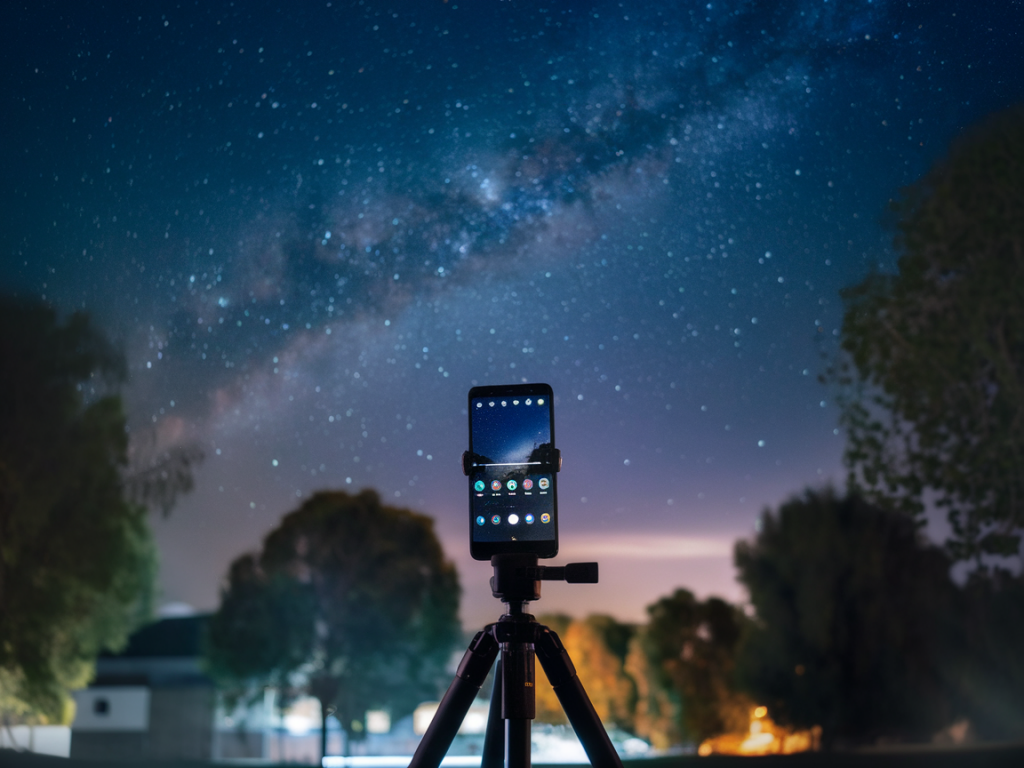
If you’re hunting for a phone under £300 that can actually produce convincing night and even basic astrophotography shots, you’ve probably noticed the market is noisy. Flagship phones have tall claims and huge budgets for computational photography, and many budget phones try to mimic that with marketing language. In my hands-on testing at Wcetesting Co (https://www.wcetesting.co.uk) I’ve found that a few carefully chosen cheaper Androids can deliver results that, with the right technique, come remarkably close to flagships—especially for social-ready images and reasonably detailed star photos.
What “comparable to flagship” really means
When I say “comparable,” I’m not claiming a £250 phone will out-resolve a £1000 flagship sensor in a blind lab test. What I mean is: with good conditions, a tripod, and the right post-processing, some budget phones can produce nightscapes and starry sky images that look just as pleasing and shareable as those from top-tier devices. The trade-offs are typically:
Nevertheless, the final visual output—if you’re shooting long exposures, stacking, and editing—can be surprisingly close.
Top budget Android picks under £300
After testing several budget and mid-range phones, three models stood out in terms of raw potential for night and astrophotography. I’ll be blunt: Google’s Pixel phones remain the benchmark because their computational pipeline and Astrophotography mode are simply excellent. But there are non-Pixel options that deliver strong results if you’re willing to use third-party apps and manual workflows.
| Phone | Main sensor | Night/Astro support | Raw/DNG | Typical UK price |
|---|---|---|---|---|
| Google Pixel 6a | 12.2MP Sony IMX363 (larger pixels) | Pixel Night Sight + Astrophotography mode (excellent) | Yes (raw via apps & Pixel Camera) | ~£200–£299 (used/new deals) |
| Google Pixel 5a | 12.2MP Sony IMX363 | Night Sight + Astrophotography (very capable) | Yes | ~£180–£250 (used/clearance) |
| Redmi Note 12 Pro (108MP) | 108MP Samsung HM2 (pixel-binned) | Night mode (software dependent), no native Astro mode | Yes (DNG in Pro mode) | ~£220–£300 |
Why these three? The Pixel 6a and 5a combine solid sensor hardware with unmatched computational night processing—Night Sight and the dedicated Astrophotography mode—which often yields images with less noise and more visible stars without complex manual steps. The Redmi Note 12 Pro (or similar 108MP phones) offers a large high-megapixel sensor that allows heavy cropping and can capture more raw detail in longer exposures, but it needs manual technique and apps to approach the same output.
How to get flagship-like night/astro shots on a budget phone
Regardless of which phone you pick, the technique makes the largest difference. I’ve reproduced flagship-worthy shots using a Pixel 6a and a tripod more than once. Here’s my workflow:
Apps and tools I use
Computational photography matters, but so do the apps you choose. Here are the ones I keep in my toolkit:
Practical shooting tips I swear by
These are the hands-on things that separate a mediocre night photo from one that looks flagship-class.
Realistic expectations and final recommendation
Flagship phones still have advantages: more advanced multi-frame algorithms, larger sensors in some models, and better lenses. But after testing, if you asked me to pick one single budget Android under £300 that gives you the best chance to produce night and basic astrophotography images rivaling flagships in visual quality, I’d recommend the Google Pixel 6a (or sometimes the older Pixel 5a if you can find it at a good price).
The reason: its Night Sight/Astrophotography pipeline is polished, consistent, and user-friendly. That means less time wrestling with settings and more consistently usable images straight out of the phone. If you want to push further and don’t mind more manual work, a 108MP Redmi/POCO with raw capture plus a GCam port and stacking workflow can also produce great results—but it requires more patience and post-processing skills.
If you’d like, I can publish a step-by-step, camera-by-camera comparison gallery showing side-by-side crops from a Pixel 6a, a Redmi 108MP, and a flagship—shot in the same conditions—so you can judge for yourself. I can also include exact exposure settings, raw previews, and a downloadable stacking pack if that helps you replicate the results.