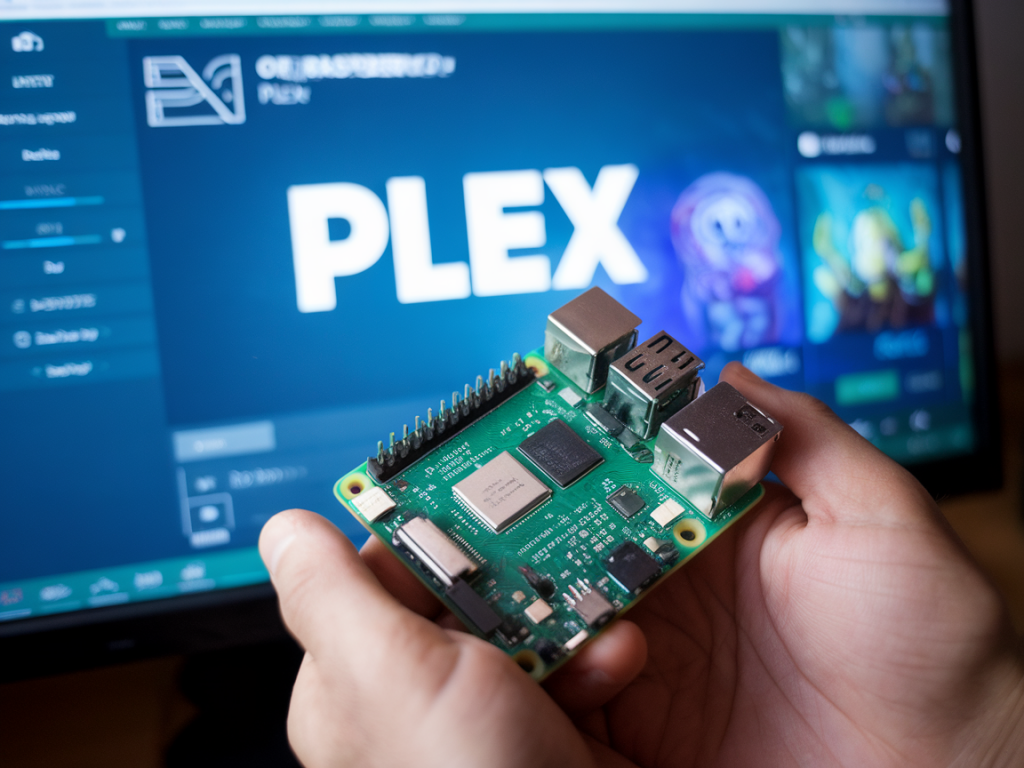
I set out to answer a simple but consequential question: can the Raspberry Pi 5 handle 4K transcoding for a home Plex server? After spending a week building a Pi 5 Plex test rig, pushing it with different source files and client scenarios, and measuring CPU, temperature, and playback behavior, I have practical findings to share. I'll walk you through what I tested, what worked (and what didn't), and how the Pi 5 fits into realistic home media server setups.
Why this matters
For a long time Raspberry Pis have been tempting options for low-power, always-on home servers. With the Raspberry Pi 5's improved CPU, faster memory, and a new VPU with modern codec support, many hobbyists hoped it would finally be a capable device for 4K streaming and transcoding. Plex users care about two things: smooth playback on many client devices, and the ability to transcode media on-the-fly when a client can't handle the source file.
Test setup
Here's the hardware and software I used for all tests:
I instrumented the Pi with htop and vcgencmd to log CPU usage and GPU/VPU activity, and used a thermal probe to track case temperatures under load.
What the Raspberry Pi 5 brings to the table
The Pi 5 is a meaningful step up from the Pi 4. The CPU (Cortex-A76 cores) is faster, memory bandwidth is improved, and — most relevant here — the VideoCore VII VPU supports modern hardware-accelerated codecs including HEVC and some AV1 decode capabilities (depending on firmware and driver support). In theory that means the Pi 5 can decode and even assist with encode tasks that are essential for smooth 4K playback or certain types of transcoding.
Key real-world tests
I focused on common Plex scenarios:
For each scenario I observed playback behavior on the client, CPU load on the Pi, and whether the VPU was used.
Results — direct play and remuxing
Direct play is where the Pi 5 shines. When the client could handle the HEVC 4K file natively (for example a modern 4K TV app), playback was flawless. Network throughput was the limiting factor, not the Pi. CPU usage stayed low (<15%) and temperatures were stable.
Container remuxing (for example when audio needed conversion or subtitles forced a remux) also worked well. The server's overhead was modest and the Pi handled these operations without issue.
Results — hardware-accelerated decoding and transcoding
This is where things get nuanced. Hardware-accelerated decoding of HEVC 4K is supported and helped a lot: playing or re-encoding a 4K HEVC file with hardware-assisted decode lowered CPU usage substantially. However, full hardware-accelerated transcoding (decode + encode entirely on the VPU) is not a magic bullet — encoder support and Plex integration matter.
Audio transcoding and subtitles
Audio-only transcoding is cheap. When a client needed stereo AAC instead of a multichannel AC3 track, the Pi converted it quickly with minimal CPU cost. Subtitles that caused a forced transcode (burned-in subtitles) increased load because video had to be re-encoded; this matched the video transcoding behavior above.
Thermals, power and reliability
The Pi 5 runs warmer under continuous video work than a Pi 4 — no surprise given the higher-performance silicon. With a passive case I saw temperatures climb into the 80–90°C range under sustained single 4K transcode loads which triggered frequency scaling and caused performance to dip. A small active fan or a case with good thermal dissipation dropped temperatures into a comfortable range and stabilized performance. Use a reliable 5A USB-C supply — undervoltage events caused Plex to behave oddly during heavy transcodes.
How Plex uses hardware acceleration
Plex's hardware acceleration on ARM is improving but still imperfect. You need the right combination of kernel firmware, codecs, and Plex build. I enabled VAAPI and ensured the drivers exposed the VPU features to Plex. When configured correctly, Plex used hardware decode for HEVC which saved CPU cycles. However, Plex's hardware encode on the Pi is limited — often it would fallback to software encode or use the CPU for the encode stage, which is the main bottleneck for 4K transcoding.
Practical recommendations
Data summary
| Scenario | Outcome | Typical CPU load | Notes |
|---|---|---|---|
| Direct play (4K HEVC) | Excellent | <15% | Low power use; network-bound |
| Remux/container change | Good | 10–30% | Fast, reliable |
| 1080p transcode | Good | 30–60% | Single streams handled well |
| Single 4K transcode | Borderline | 70–95% | Needs cooling; potential throttling |
| Multiple 4K transcodes | Poor | 100%+ | Unreliable; not recommended |
If you're planning a small, efficient Plex server that primarily serves direct-play clients, the Raspberry Pi 5 is an appealing, low-power choice. If your household frequently requires on-the-fly 4K transcoding, you'll need to temper expectations—or look at more powerful x86 or dedicated NAS hardware with proper hardware transcoding support (for example Intel Quick Sync or NVIDIA NVENC on compatible systems).
On Wcetesting Co I try to combine lab-style metrics with real-world usage, and this test reinforced a familiar theme: the Pi 5 is a big step forward for SBC-based servers, but it's not a universal replacement for a dedicated transcoding-capable server. The details — codec, client capabilities, and whether Plex can use the VPU for both decode and encode — determine the experience more than raw board specs alone.