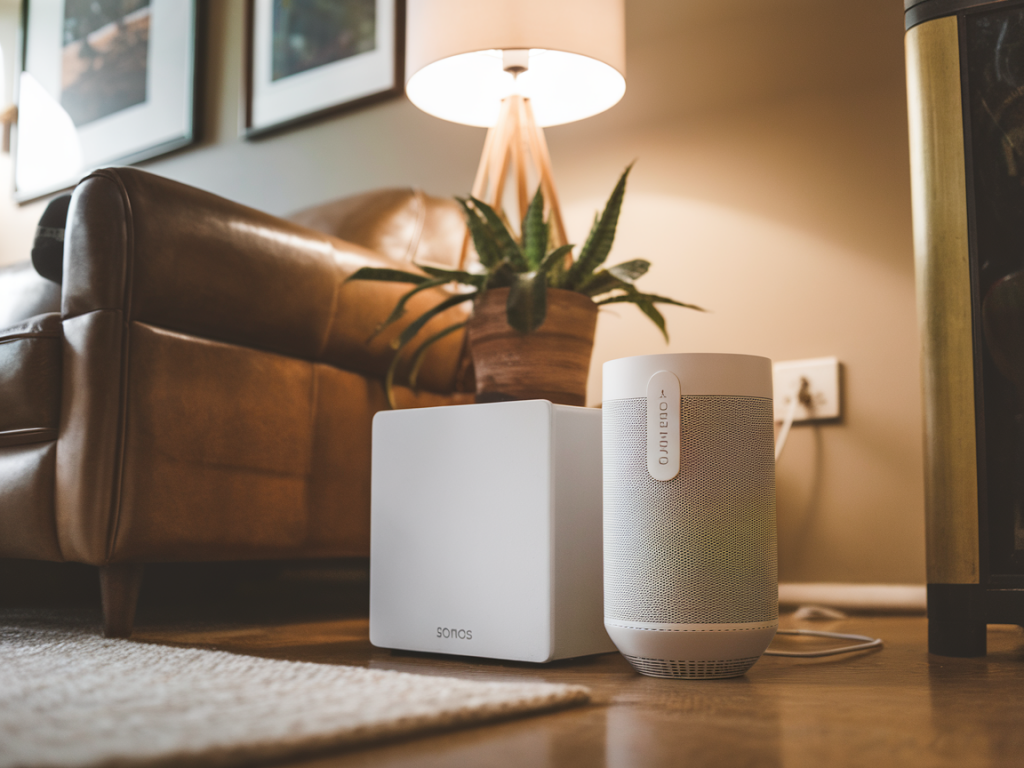
I get this question a lot in comments and DMs: “How can I get multi-room, lossless Spotify on my Sonos system if my upload bandwidth is tiny and I don’t want to pay for additional services?” I’ve tested Sonos setups in labs and real homes, so here’s a practical, no-nonsense approach that explains what’s possible today, what isn’t, and step-by-step ways to get true multi-room lossless sound without relying on cloud uploads or expensive subscriptions.
Why the Spotify + Sonos “lossless” story is messy
First, let’s be blunt. Spotify’s lossless promises have been in flux for years and, even if Spotify offers a higher-quality tier at some point, the Spotify Connect path to Sonos usually sends whatever Spotify streams — which historically are compressed formats like Ogg — straight to your Sonos devices. That means you’re limited by what Spotify transmits, not by what your Sonos system can play.
So if you want guaranteed lossless audio across multiple Sonos speakers, the reliable method is to serve lossless files on your local network and have Sonos play them directly. This avoids streaming from the cloud (so no upload burden) and gives you bit-perfect playback where Sonos supports the format.
What “lossless” means in practice on Sonos
Sonos devices can play lossless file formats locally. That typically means FLAC and WAV files (and on many devices ALAC/Apple Lossless in some configurations). Important caveats:
Practical options — pros and cons
| Method | Lossless? | Cost | Upload bandwidth needed | Notes |
|---|---|---|---|---|
| Spotify Connect | No (depends on Spotify stream) | Free or paid | None (stream from Spotify servers) | Quality limited by Spotify; not reliable lossless on Sonos |
| Local FLAC files on NAS + Sonos Music Library | Yes | Hardware for NAS (can be DIY) | None (local LAN) | Best guaranteed lossless, works multi-room |
| Roon (paid) or other servers | Yes | Subscription/license | None | Excellent features but costs money |
Step-by-step: get multi-room lossless on Sonos without extra uploads or paid tiers
What follows is my tested workflow using free or low-cost tools (no subscription, no cloud uploads). I’ll assume you have a handful of Sonos speakers and limited upload bandwidth at your home.
Buy high-res tracks from stores (Bandcamp, HDtracks, Qobuz purchases, etc.) or rip your CDs to FLAC/ALAC. These files are the basis of true lossless playback — Spotify doesn’t let you export raw lossless files from its library.
If you already have a NAS (Synology, QNAP), use it. If not, a small Raspberry Pi running Samba/SMB or a lightweight NAS box is a cheap solution. The key points:
Open the Sonos app (iOS/Android/desktop), go to Settings → System → Music Library (or Manage → Add Music Library, depending on app version), and point Sonos to the shared folder on your NAS. Sonos will index the music — allow time for this to finish if you have a large collection.
Wi‑Fi works, but for synchronized multi-room lossless playback, wired connections reduce dropouts and timing issues. If you can run Ethernet to at least one Sonos device or to your NAS and router, you’ll see a more reliable setup.
Once the library is indexed, you can browse artists, albums, and tracks directly inside the Sonos app. Create a group (select rooms and hit Join) and play lossless files — Sonos handles the synchronized distribution across speakers on your LAN.
Troubleshooting common issues
Check firewall settings on the NAS, ensure SMB is enabled (Sonos uses SMB/UPnP for library indexing), and place the NAS on the same IP subnet as your Sonos devices. Reboot Sonos and the NAS after making changes.
Move critical Sonos devices to Ethernet if possible. If everything is Wi‑Fi, ensure the router isn’t overloaded, switch to a less congested channel (use 5GHz), and reduce the number of devices on the Wi‑Fi network.
Check the file format and sample rate. Very high sample rates or uncommon bit-depths may be downsampled by some Sonos models. Converting to 16/44.1 or 24/48 (where supported) often helps.
Advanced free tools I use and recommend
If you try to “force” Spotify into this workflow (for example, by downloading from Spotify), you’ll hit roadblocks because Spotify doesn’t expose raw lossless files for local serving. The practical route is owning or purchasing lossless files and serving them locally — it’s the only reliable way to deliver true multi-room lossless audio to Sonos without depending on upstream bandwidth or paying for extra cloud services.
If you want, tell me what Sonos gear you have, how many rooms you want synced, and what devices you already own (NAS, Raspberry Pi, router). I can sketch a tailored hardware/software list and a simple wiring plan that fits tight upload limits and a no-subscription approach.