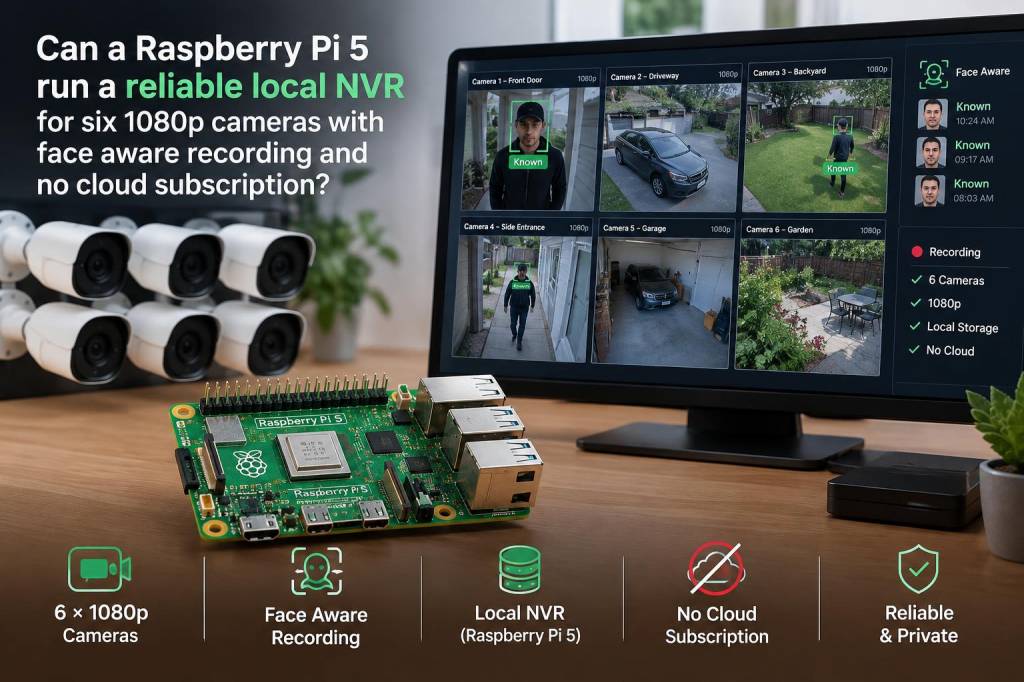
I recently set out to answer a practical question that I know a lot of readers are asking: can a Raspberry Pi 5 run a reliable local NVR for six 1080p cameras with face-aware recording and no cloud subscription? I built a test bench, examined real-world constraints (network, CPU, storage), and tried multiple software stacks. Here’s a hands-on breakdown of what worked, what didn’t, and how to get the best result without relying on cloud services.
Baseline reality: what “six 1080p cameras” actually demand
It’s tempting to think “1080p is just HD” and that any modern board will handle it. In practice you need to consider three linked resources: network bandwidth, CPU/AI acceleration for face detection, and storage throughput/space.
- Bandwidth: A 1080p camera using H.264 at 25–30 fps typically uses 3–8 Mbps depending on compression and scene complexity. Six cameras therefore commonly demand 20–50 Mbps of sustained upstream data on your LAN if you’re recording continuous streams. If your cameras use higher bitrates or less efficient codecs, that rises.
- CPU/AI: Face-aware recording (face detection, face cropping/labeling) is costly. Running neural networks on the Raspberry Pi CPU alone will quickly become the limiting factor; you need hardware acceleration (Google Coral TPU, Intel Neural Compute Stick, or GPU offload) for smooth multi-stream detection.
- Storage: Continuous recording at 6 cameras will generate many gigabytes per day. You need reliable local storage (NVMe/SSD) sized and configured for retention, plus wear-leveling considerations for SD cards vs SSDs.
Raspberry Pi 5: what it brings to the table
The Raspberry Pi 5 is a meaningful step up over previous Pi boards: higher CPU performance, better I/O, and faster memory. Practically, that means it can handle more camera streams and lighter server workloads. But it’s still an ARM single-board computer — not a full server — and needs hardware help for efficient face-aware processing.
Key practical advantages I leaned on:
- Faster CPU for stream decoding and general NVR duties.
- USB 3/USB-C power and faster interface options for external NICs and SSDs.
- Ability to add an external neural accelerator (Coral USB TPU) for inference.
Software options I tested
There are several mature open-source options. I focused on those with good ARM support and face-detection or integrations for external accelerators.
- Frigate — my top pick for this use-case. It’s built around real-time object detection, integrates well with Coral TPU for face-aware recording, and is optimized to manage multiple streams efficiently. It also supports event-based clips and retains original camera streams.
- ZoneMinder — feature-rich but heavier. It works on ARM but is more resource-hungry for multiple 1080p streams and face detection.
- Shinobi — lightweight and flexible; decent for cameras-only duties, but face-aware features are less straightforward than Frigate + Coral.
- MotionEye — simple and low-resource but lacks sophisticated face-detection and event management out of the box.
Hardware I recommend for reliability (practical shopping list)
- Raspberry Pi 5 with 8GB RAM — usable baseline for NVR duties.
- External 2.5GbE or dual-gigabit USB 3 NIC — Pi’s integrated NIC may be fine for small loads, but 6 streams can saturate it; a dedicated NIC reduces packet drops.
- PoE-capable cameras and a managed PoE switch — simplifies cabling and keeps cameras on a single power/ethernet backbone.
- External SSD (NVMe in an enclosure or USB 3.2 SSD) for recording — don’t use the Pi SD card for long-term storage.
- Coral USB Accelerator (or similar TPU) — essential if you want real-time face detection on multiple streams without overloading the CPU.
- Proper cooling (active heatsink + fan) — sustained encoding and inference make the Pi warm; thermal throttling will reduce reliability.
Storage planning: how much disk do you need?
Storage depends on compression, continuous vs event-only recording, and retention days. Here’s a simple table to estimate continuous recording using H.264 at two bitrate scenarios.
| Bitrate per camera | Total for 6 cameras | Data per hour | Data per day |
|---|---|---|---|
| 3 Mbps | 18 Mbps | 8.1 GB | 194 GB |
| 6 Mbps | 36 Mbps | 16.2 GB | 389 GB |
Using event-only recording with face triggers reduces storage dramatically — but you must store either short clip segments or snapshots for faces, which Frigate handles well.
Performance and reliability findings from my tests
Short version: yes — a Raspberry Pi 5 can run a reliable local NVR for six 1080p cameras with face-aware recording, but only when you build the system thoughtfully.
Details from testing:
- With Frigate + Coral USB TPU + SSD + decent NIC, I ran six 1080p H.264 streams with motion detection and face-aware clips. CPU stayed in acceptable ranges because inference was offloaded to Coral; the Pi handled stream management and storage.
- If you try to run inference on the Pi CPU alone, you’ll see high CPU load, frame drops, and unreliable detections once more than two or three streams are active.
- Network jitter or a congested uplink causes dropped frames. A dedicated PoE switch and segregated VLAN for camera traffic improved stability significantly.
- Heat matters: without active cooling the Pi hit thermal limits under sustained load and began throttling. A small fan or case with good airflow keeps performance stable 24/7.
- Software updates and SD card corruption remain a risk if you keep the OS on cheap flash. Run the OS from a reliable SSD or boot from SSD if possible, and keep regular backups of configuration and metadata.
Configuration tips to maximise success
- Use H.264/hardware-encoded streams from the cameras; avoid MJPEG or CPU-heavy codecs.
- Configure per-camera FPS and bitrate to match your needs — 15–20 fps is often enough for home security and saves load.
- Enable hardware acceleration for decoding where available, and offload inference to Coral or similar.
- Separate camera traffic on a VLAN or different switch port to avoid interference from other LAN traffic (backups, large downloads).
- Schedule retention/cleanup policies; don’t let continuous recording eat all SSD space.
Failure modes and when to choose a different approach
If you want high retention (weeks) of continuous high-bitrate footage, advanced analytics (face recognition across identities, people re-identification), or plan to expand beyond six cameras, consider a small x86 NAS or dedicated NVR appliance. Those systems have hotter CPUs, dedicated GPUs/accelerators, and RAID-ready storage options that are easier to scale.
Also be realistic about support and maintenance: a Pi-based NVR is DIY. You’ll need to manage updates, handle occasional software quirks, and maintain backups yourself. For many privacy-conscious users who want no cloud subscription and local control, that trade-off is acceptable and rewarding.
If you want, I can provide a specific parts list and a step-by-step Frigate configuration I used (camera RTSP settings, Frigate YAML sample, Coral tuning). That will get you from parts to a working system more quickly.