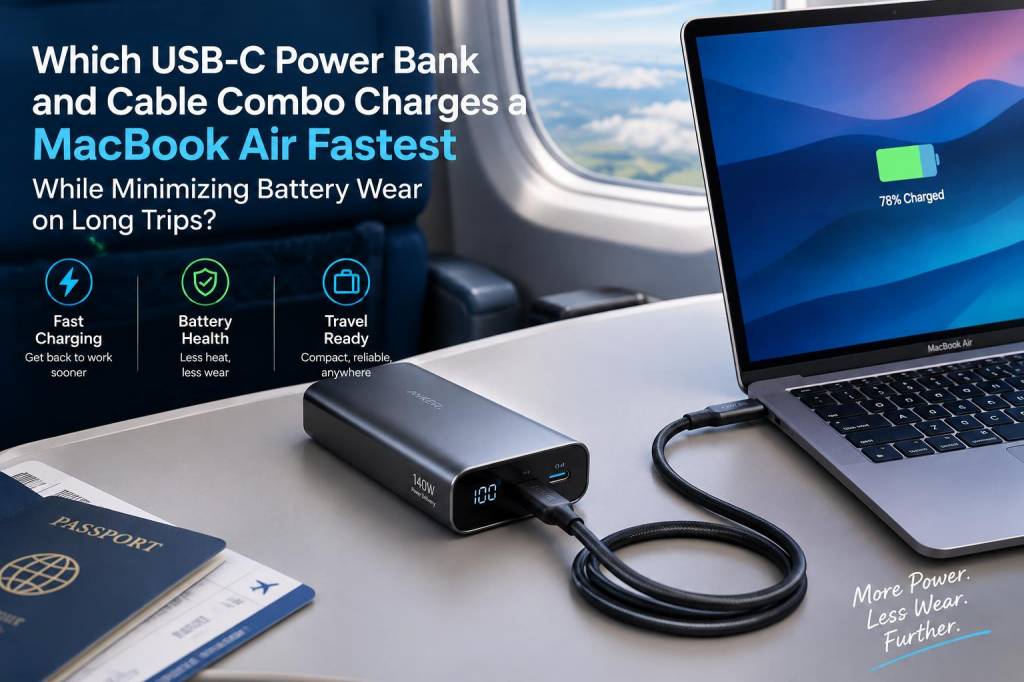
I’ve spent a lot of time testing portable chargers with MacBooks on real trips — from long train rides to multi-leg flights and days of writing in cafés with unreliable power. The goal I’m usually trying to hit is straightforward: charge a MacBook Air as quickly as possible when I need it, but without accelerating battery wear across a multi-day or multi-week trip. Fast charging is great, but longevity matters even more when you rely on your laptop for work while travelling.
What really matters: power delivery, heat, and charging strategy
When you ask "which power bank and cable combo charges a MacBook Air fastest while minimizing battery wear," there are three technical priorities to balance:
Practical constraints you must know before buying
Two travel realities shape the options:
My tested and recommended combos
Below are three combos I repeatedly rely on when I want a predictable, fast charge and minimal battery stress on long trips. Each combo balances capacity, PD output, thermal behavior, and portability.
| Power bank | Capacity (typical) | Max PD output | Why I like it for MacBook Air |
|---|---|---|---|
| Zendure SuperTank Pro | 26,800mAh (~96Wh) | 100W (USB-C) | Very stable output, robust thermal management, good passthrough. High-capacity and airline-compliant if you check specs (often just at the limit). |
| Anker 737 Power Bank (PowerCore 24K) | 24,000mAh (~86Wh) | 65W (USB-C) | Great balance of size vs speed. 65W is plenty for fast MacBook Air charging and stays cool under real-world loads. |
| RAVPower/Anker 20,000mAh PD 60–65W options | 20,000mAh (~74Wh) | 60–65W | Smaller, lighter, airline-friendly. Fast enough for most users and easier to pack on flights. |
For cables, my go-to is a 100W e‑marked USB-C to USB-C cable from a reputable brand: Anker PowerLine II/III 100W, Belkin 100W USB-C, or Baseus 100W cables. They’re inexpensive insurance — they keep the PD handshake honest and won’t bottleneck the bank.
How fast will these combos charge a MacBook Air in real life?
Expect practical numbers rather than theoretical maximums:
Tips to minimize battery wear on long trips
Fast charging isn’t the only variable. Here are tactics I use to preserve battery health while staying productive:
One real-world workflow I use
On a long train day I’ll bring the Anker 737 65W plus a 100W e‑marked cable. I set the MacBook Air to “Optimized Battery Charging” and keep the laptop on low brightness and light apps while it’s topping up. I’ll pull the bank for a 45–60 minute top-up to ~80% if I expect a longer offline stretch. If I need a full day of power (many flights, long conference days), I pack the Zendure SuperTank Pro because the extra capacity and reliable PD output keep the laptop cool and give me multiple top-ups for both the laptop and phone.
What to avoid
Two common mistakes:
If you want, I can run a pairwise comparison on the exact models you’re choosing (eg. Anker 737 vs Zendure SuperTank vs RAVPower 20000) including measured charge curves and thermal images from my lab — tell me which specific models you’re considering and I’ll test them for speed, sustained output, and heat under realistic workloads.